
BBC999 Login guide for safer account access

BBC999 Login helps registered users enter their account area to review profile settings, wallet records, promotional pages, and recent activity from a browser or mobile device. This guide covers a careful sign-in routine, checks to make after access, password recovery basics, and practical steps for keeping account information private and under control.

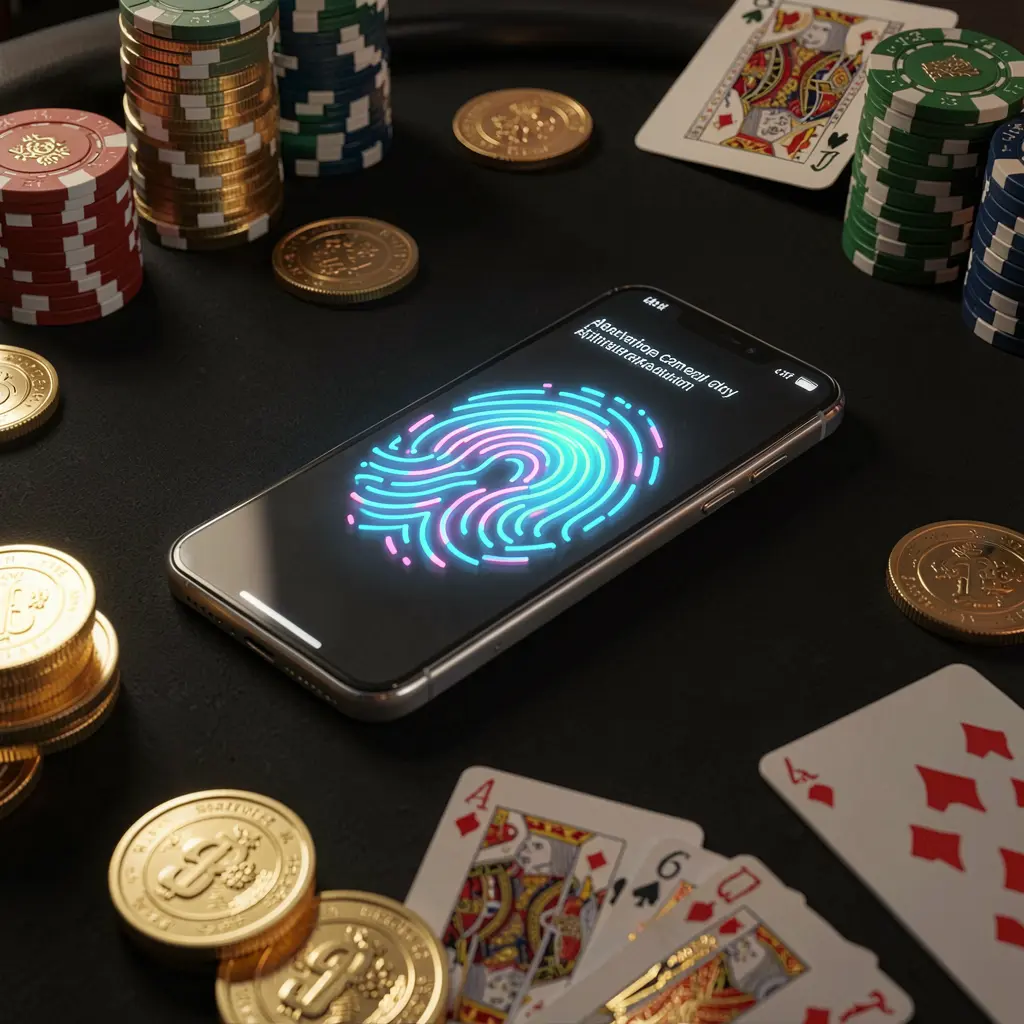
BBC999 online casino authentication concept showing a phone with a glowing fingerprint scan on a premium black table surrounded by poker chips, golden coins, and playing cards in a cinematic 3D render

BBC999 Login and Account Access

The BBC999 Login page is where registered users access their personal dashboard and account tools. It is important to treat this page as a private entry point, since it may display profile information, account notices, wallet records, and activity history.

Before entering any details, users should confirm they have reached the genuine BBC999 access route. Unfamiliar messages, copied links, unofficial social profiles, and unexpected redirects can put passwords, verification codes, and personal information at risk.

Users in Bangladesh should also approach online gaming-related services with care, legal awareness, and adult-only responsible use. Account access should support informed choices and personal limits, never pressure to spend beyond what is affordable.

How to Log In to BBC999

Using a familiar and verified sign-in process can make BBC999 access easier to manage. Take a moment to check the page, enter registered details accurately, and review the account dashboard once the session opens.

Step 1: Visit the Official BBC999 Access Route

Open BBC999 from its official website, a verified shortcut, or your own saved bookmark. Do not rely on links from unknown chats, forwarded messages, suspicious advertisements, or pages with unusual spelling.

Step 2: Enter Your Registered Account Detail

Provide the phone number, email address, username, or other detail used during registration. Check for typing errors, incorrect number formats, and outdated browser autofill before selecting the login option.

Step 3: Complete Password and Verification Checks

Enter your password only on the verified login page. If a verification code or captcha appears, complete it for your own session and keep every OTP, reset link, and security message private.

Step 4: Check Your Dashboard After Entry

Once signed in, review profile details, wallet information, recent account activity, and notices. If any record, device prompt, or transaction seems unfamiliar, avoid further actions until official support can assist.

BBC999 Areas to Check After Login

Profile and Contact Details

Review the contact information connected to your account after signing in. Accurate phone and email details can help with password recovery and account notifications, while unfamiliar changes should be investigated before continuing.

Wallet Activity

The wallet section may show balances and transaction records associated with the account. Checking recent entries regularly can help users identify activity they do not recognise and maintain a clearer view of personal spending.

Promotion Information

Users may open BBC999 to view available promotions or account notices. Read any displayed conditions carefully, including eligibility requirements, expiry information, and relevant rules, before deciding whether to take part.

Security and Session Prompts

A dashboard may display new-device notices, verification requests, or session reminders. Treat these prompts carefully, especially after changing phones, clearing browser data, or accessing the account from a different location.

BBC999 Login Issues on Mobile and Browser

Login difficulties can happen because of an incorrect password, poor connection, outdated browser data, expired verification codes, or a mismatch in registered details. Work through one issue at a time rather than repeatedly submitting guesses.

Password Is Not Accepted

Check spelling, letter case, saved-password entries, and the registered login detail. If access still fails, use the official recovery process instead of continuing with repeated password attempts.

Verification Code Has Not Arrived

Check network signal, SMS filtering, email spam folders, and whether the registered phone or email is available. Allow time between code requests, as repeated requests may delay delivery.

Page Will Not Load or Keeps Returning

Refresh the browser, close older tabs, test a stable connection, or clear cached browser data. Reopen BBC999 through the verified route rather than following a redirect or downloading unknown files.

Accessing From a New Device

A new phone, updated browser, or reinstalled app may require an extra confirmation step. Follow prompts only when they appear on the official BBC999 page and protect every verification code.

Safer BBC999 Login Habits

Simple security habits can reduce avoidable account risks. Keep your device locked, use a unique password, avoid public connections for sensitive actions, and do not let another person handle your sign-in details or verification messages.

Account safety checklist

BBC999 access should be used carefully by adults where such activity is permitted. A login session is not a reason to chase losses or view gaming as a source of income. Stop using the service if it causes financial pressure, stress, or loss of control.

BBC999 Login FAQ

Answers to common BBC999 Login questions about account entry, mobile access, verification, password recovery, dashboard checks, and safer account management.

How do I log in to BBC999?

Use the official BBC999 website or a trusted bookmark, enter the account detail used during registration, add your password, complete any valid verification request, and then check the dashboard.

What should I do if I cannot access my BBC999 account?

Check your login detail, password, connection, and browser autofill first. If access remains unavailable, use the official password recovery route rather than repeatedly guessing credentials.

Can I use BBC999 Login on a mobile phone?

BBC999 Login may be accessed through a compatible mobile browser or supported official route. Use a current browser, stable connection, and the verified access page before entering account details.

Why am I asked for a verification code when logging in?

A verification code, captcha, or device check may help confirm that the access attempt is genuine. Enter codes only on the official BBC999 page and never send them to another person.

What should I review after BBC999 Login?

Check your profile details, wallet records, recent activity, promotion notices, and any security alert. Pause and seek official assistance if you notice changes or transactions you do not recognise.

LoginDownload